


Product guide
How DressWise Works
DressWise connects the steps of outfit planning so your wardrobe, context, recommendations, and visual previews can support one decision.
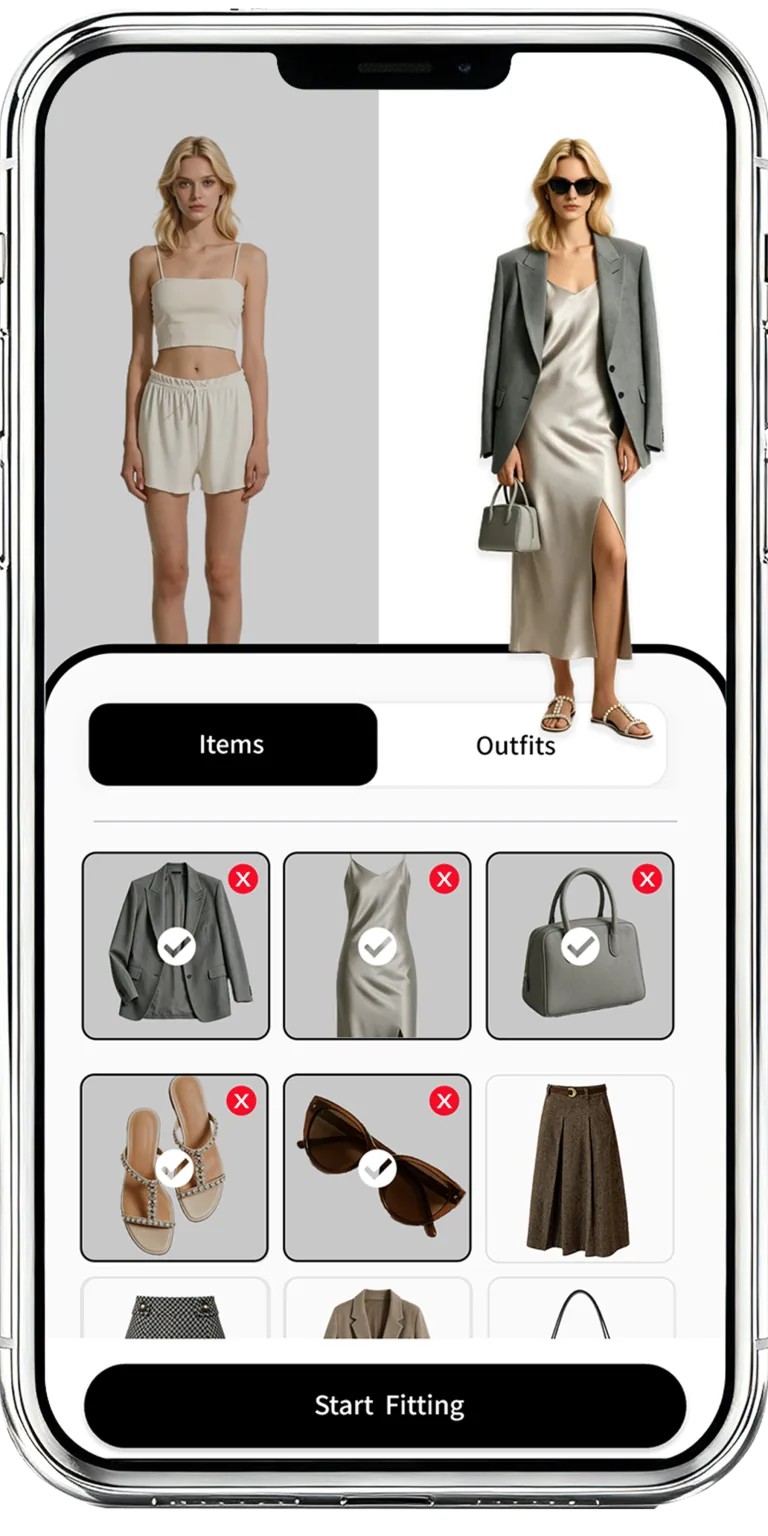
1. Build a useful wardrobe view
Add the clothes, shoes, and accessories that you want available for planning. You can begin with frequently worn pieces and expand the collection over time.
2. Add context to the decision
Consider the occasion, style direction, weather, and comfort needs for the day. This context helps narrow a broad wardrobe into relevant options.
3. Compare recommendations and previews
Review outfit ideas, replace pieces when needed, and use virtual try-on as a visual planning aid. Check physical fit and real garment details before making the final choice.
4. Save what works
Keep useful combinations available for later so future planning can begin from outfits and wardrobe choices you already understand.
Frequently asked questions
Do I need a complete digital wardrobe before using DressWise?
No. Start with the pieces you wear most often and add more items as they become relevant to outfit planning.
Is virtual try-on the same as a physical fitting?
No. It is a visual planning aid and does not replace checking fit, sizing, materials, color, and comfort in person.
Where can I download DressWise?
Use the official App Store and Google Play links provided on dresswise.app.
DressWise